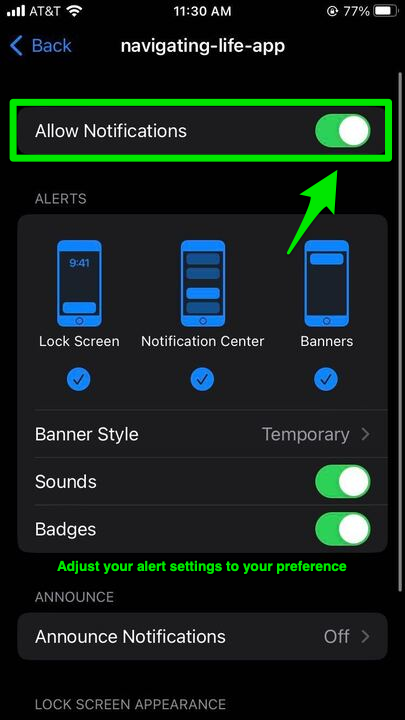
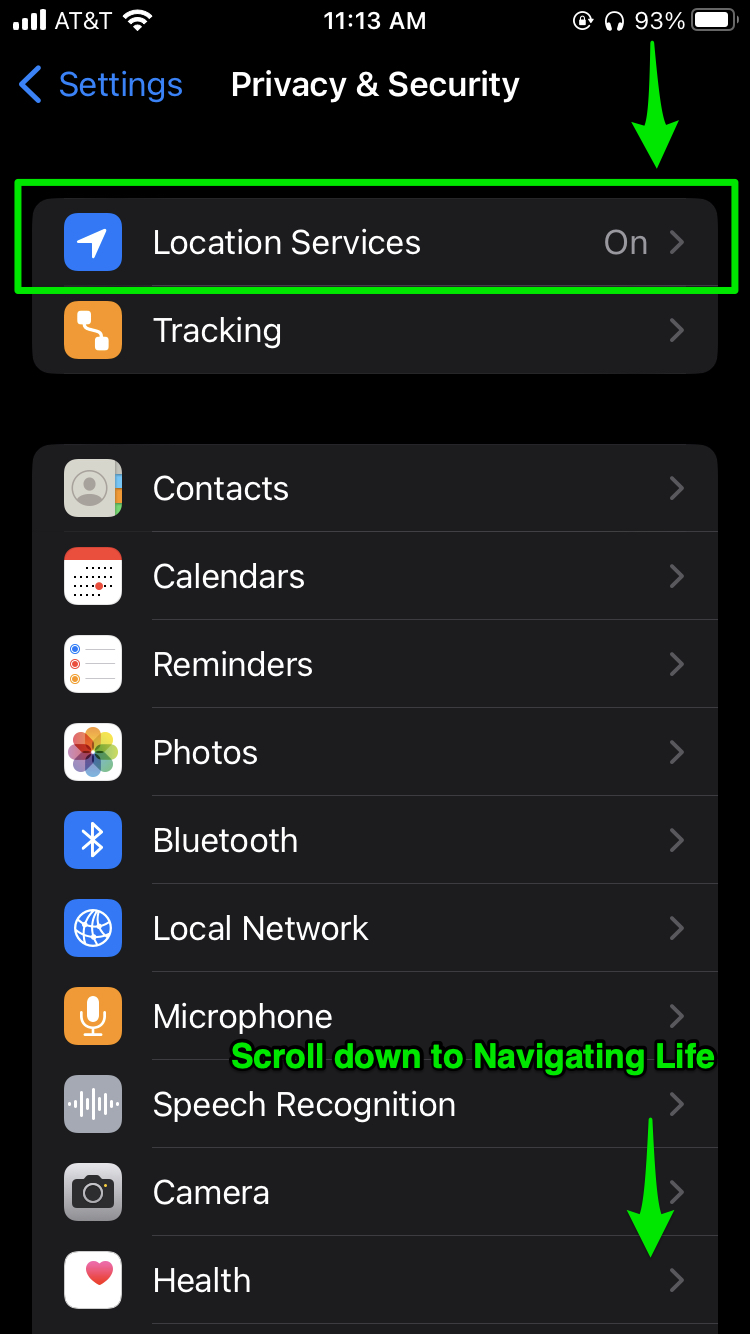
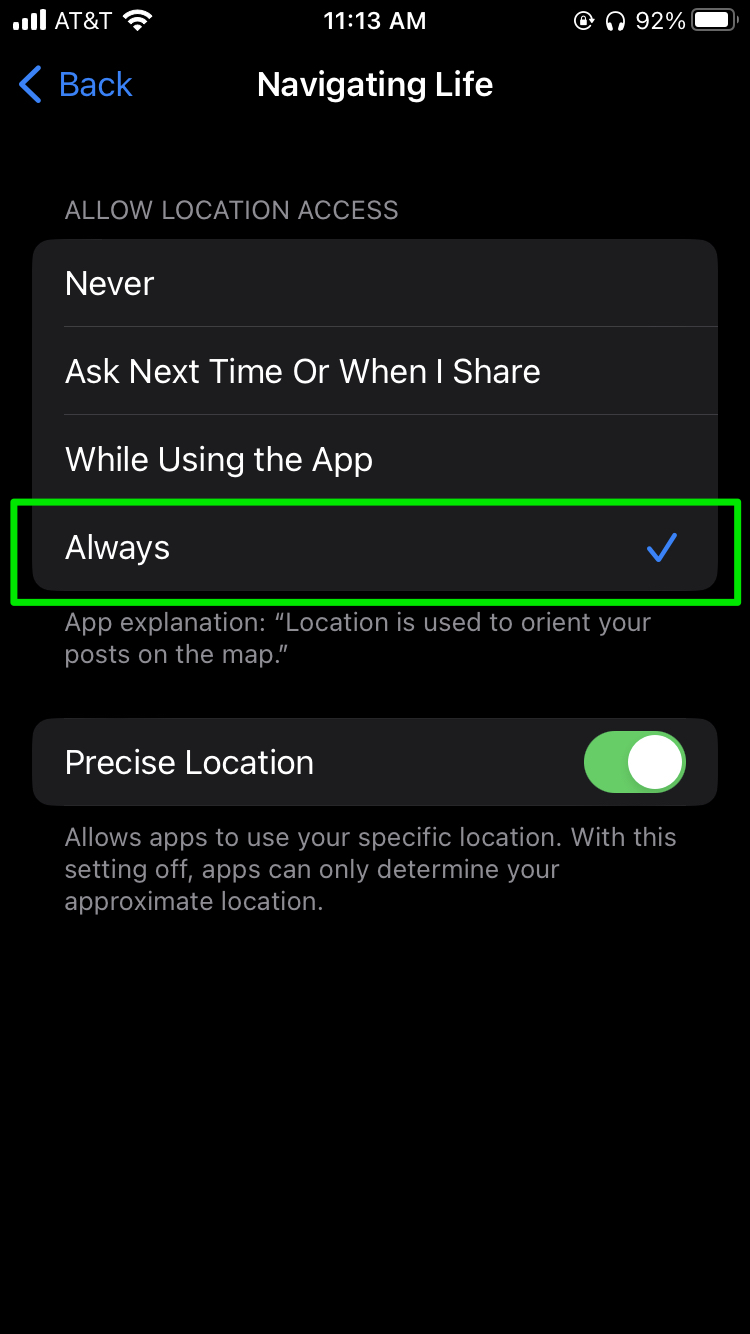
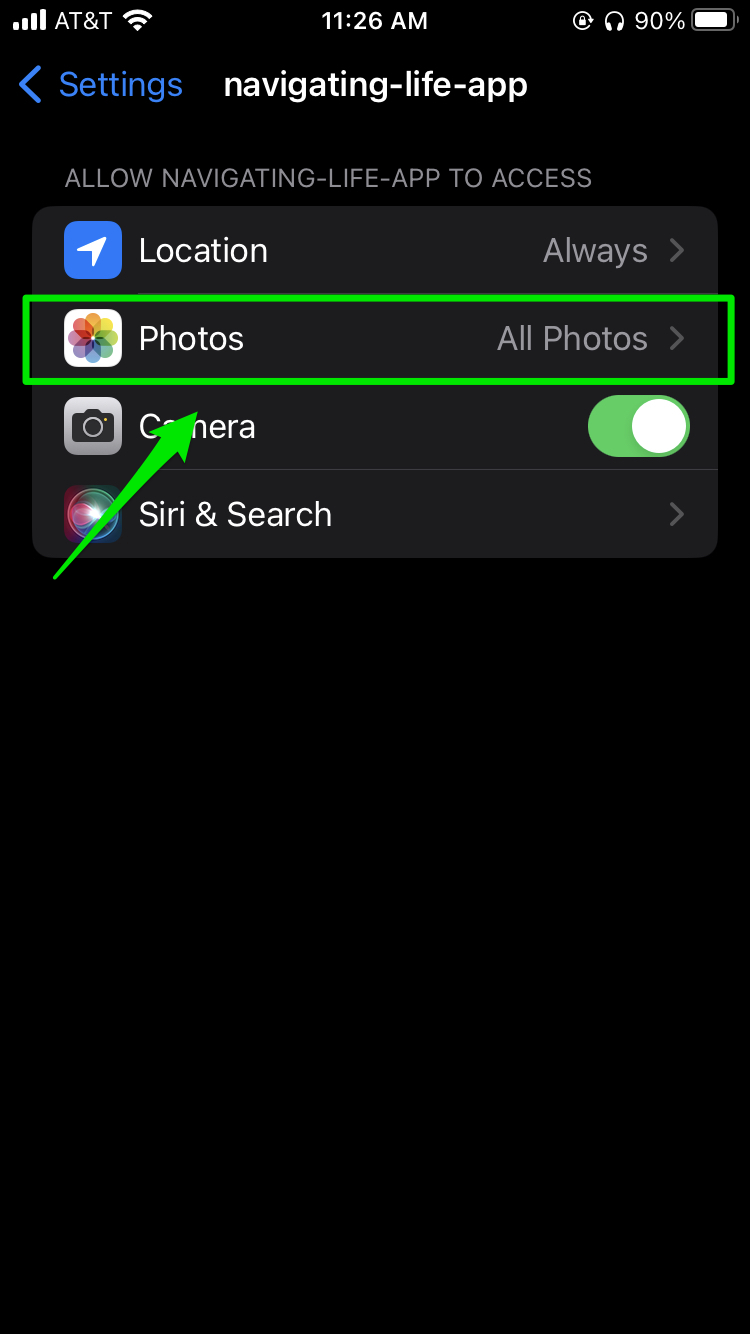
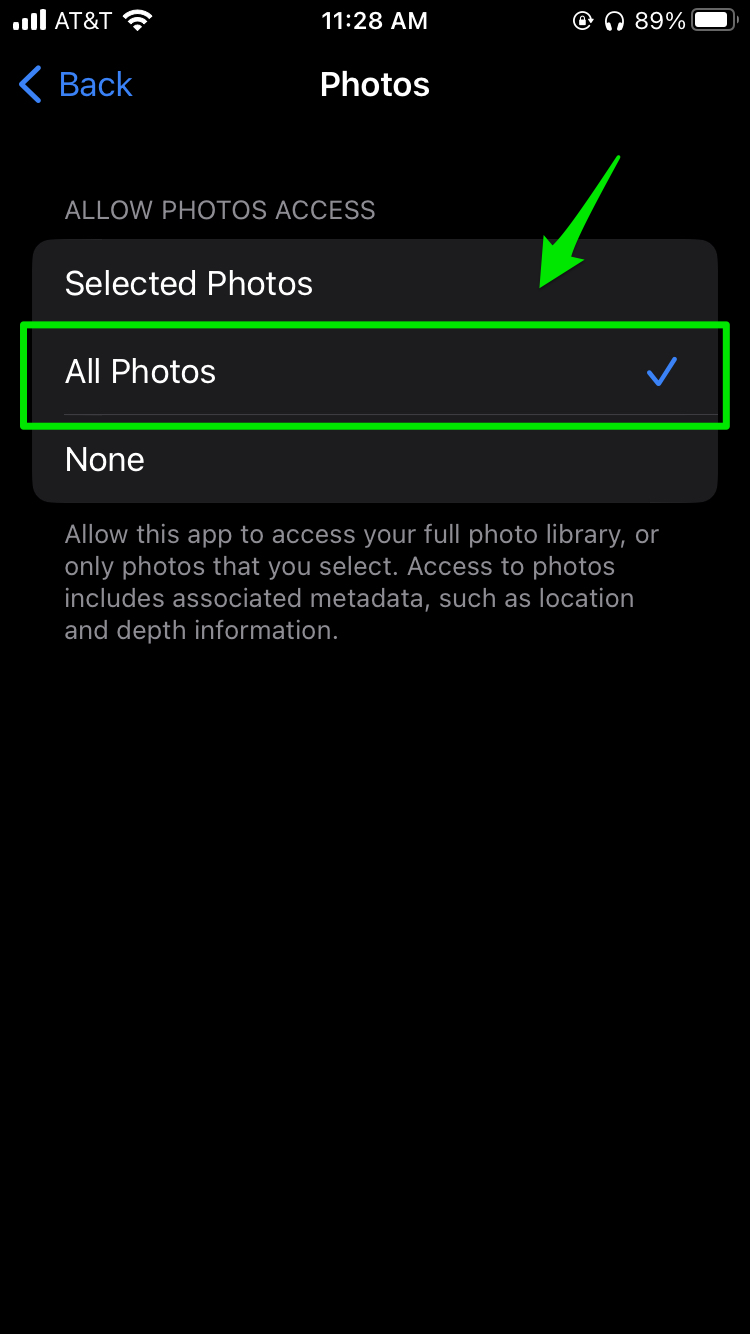
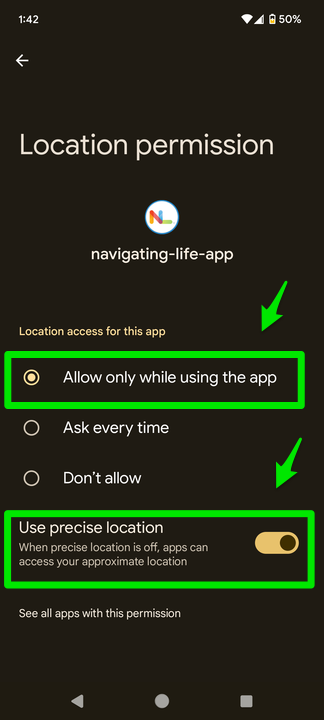
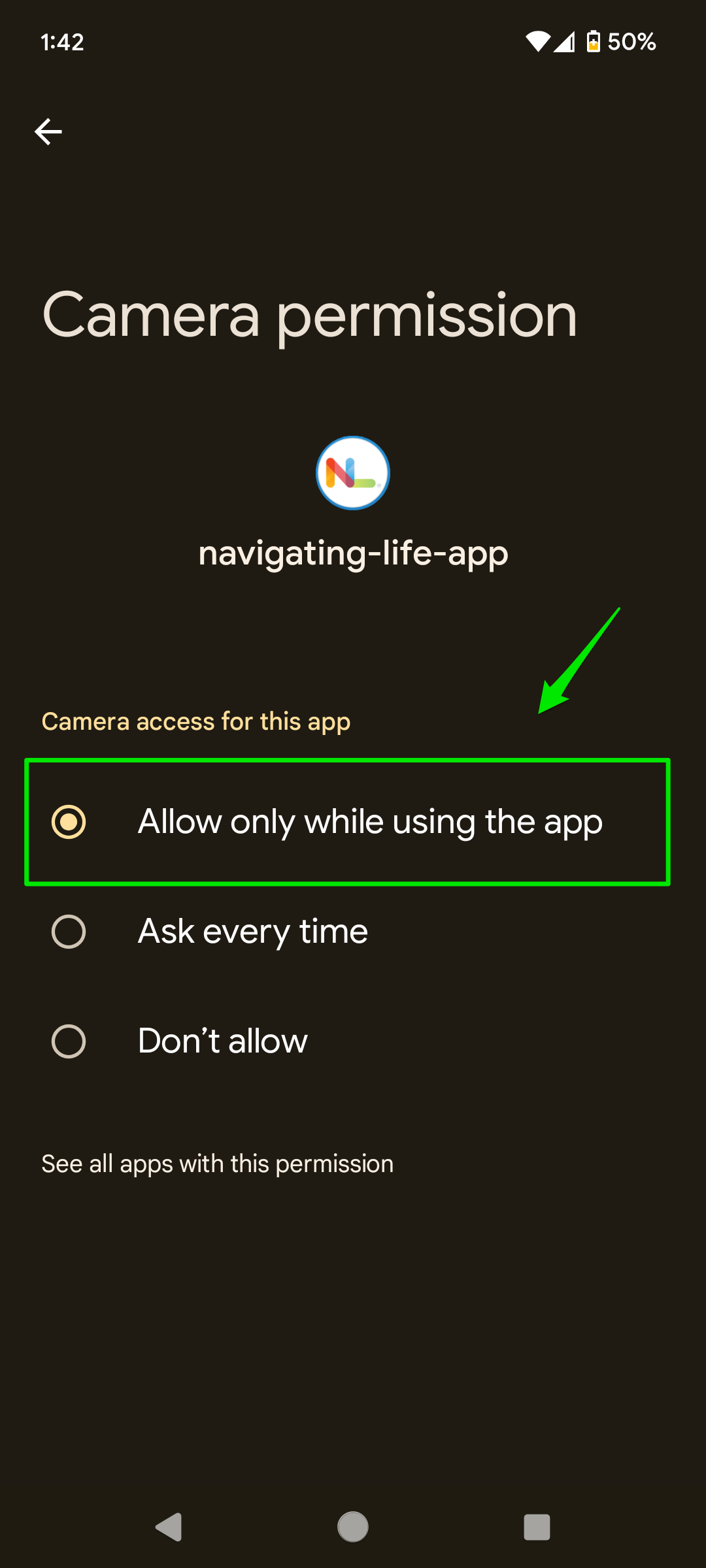
Set permissions for Navigating Life to Allow only while using the app.
Camera Permission
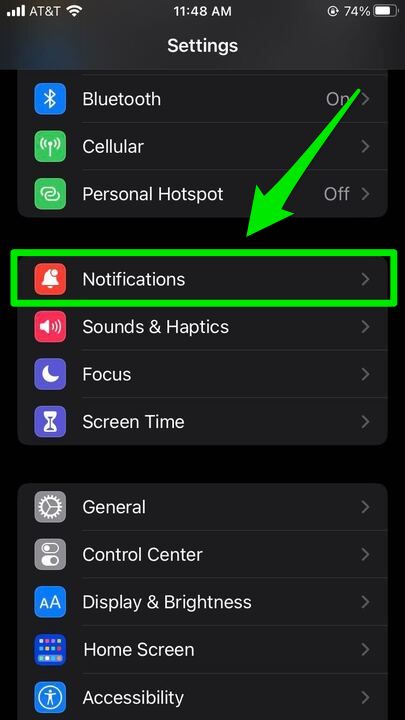
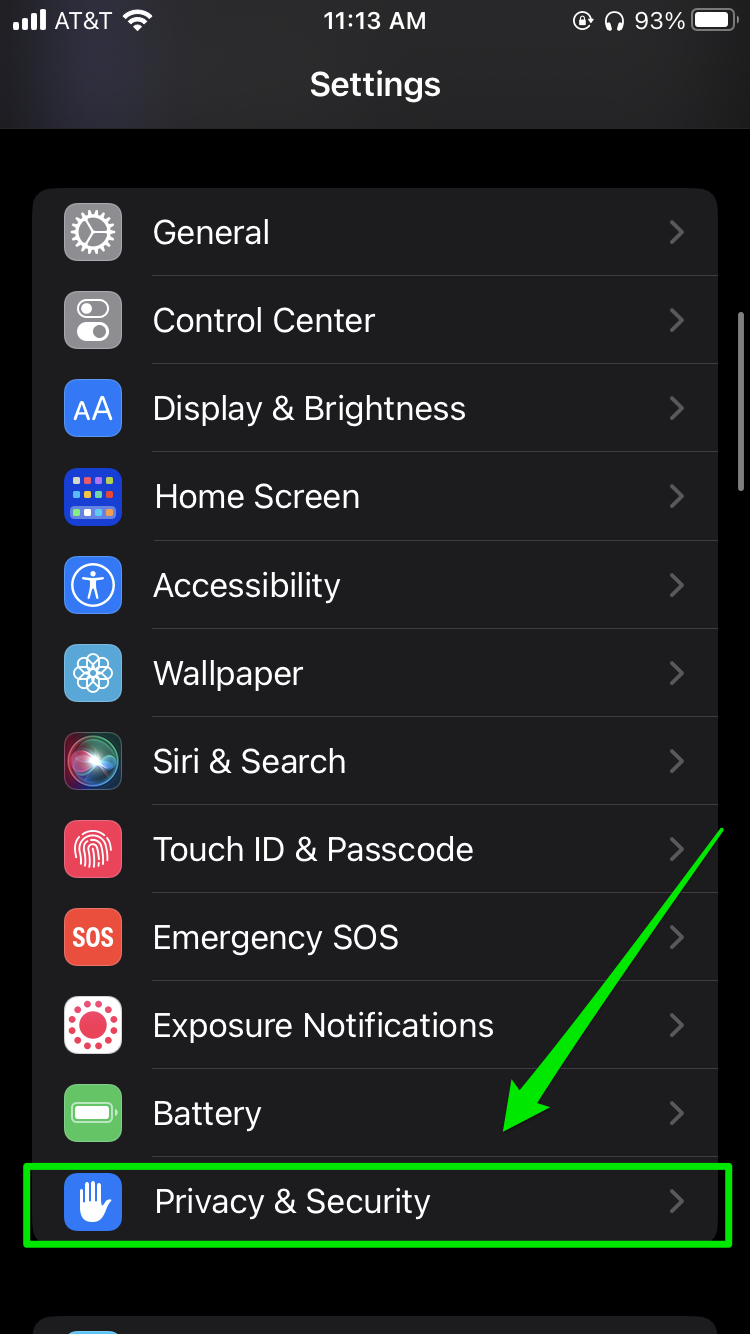
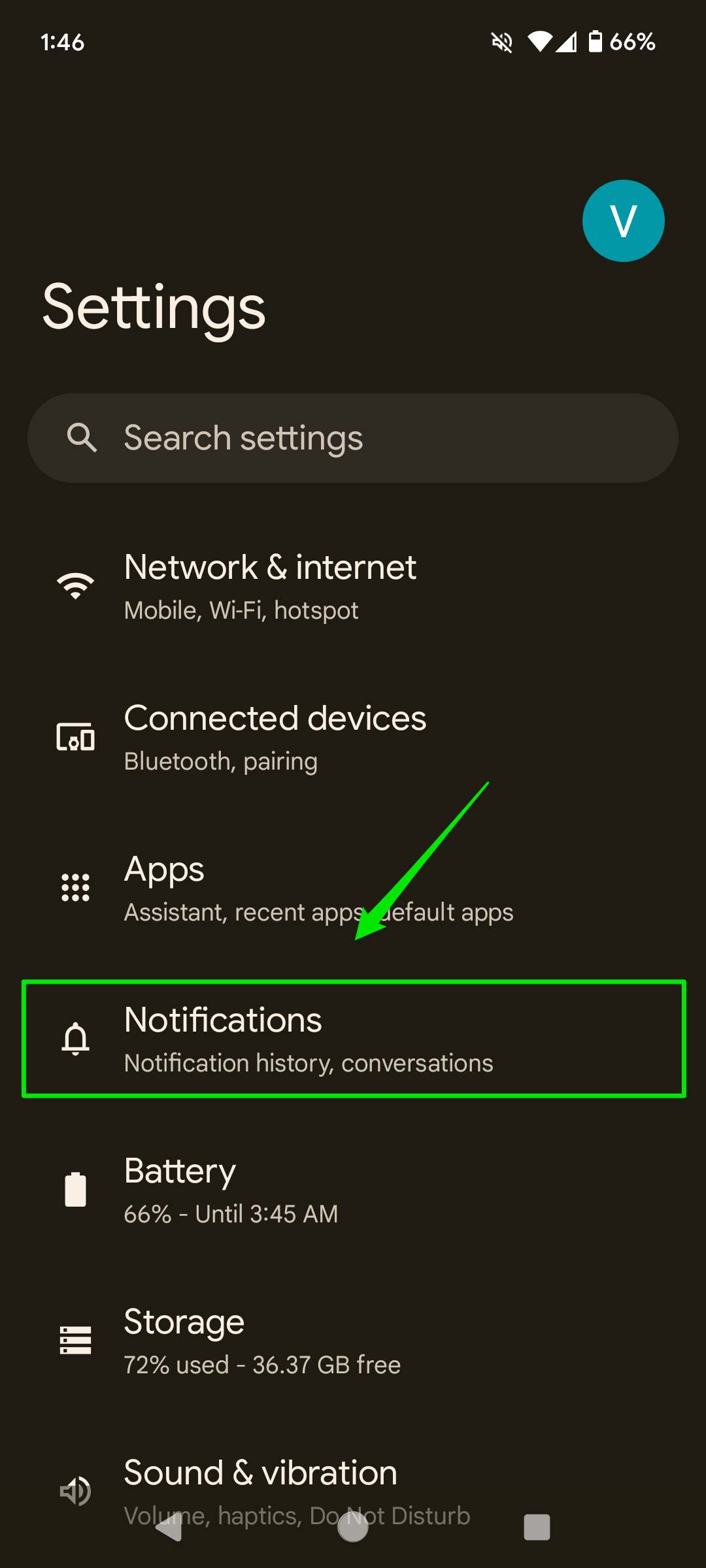
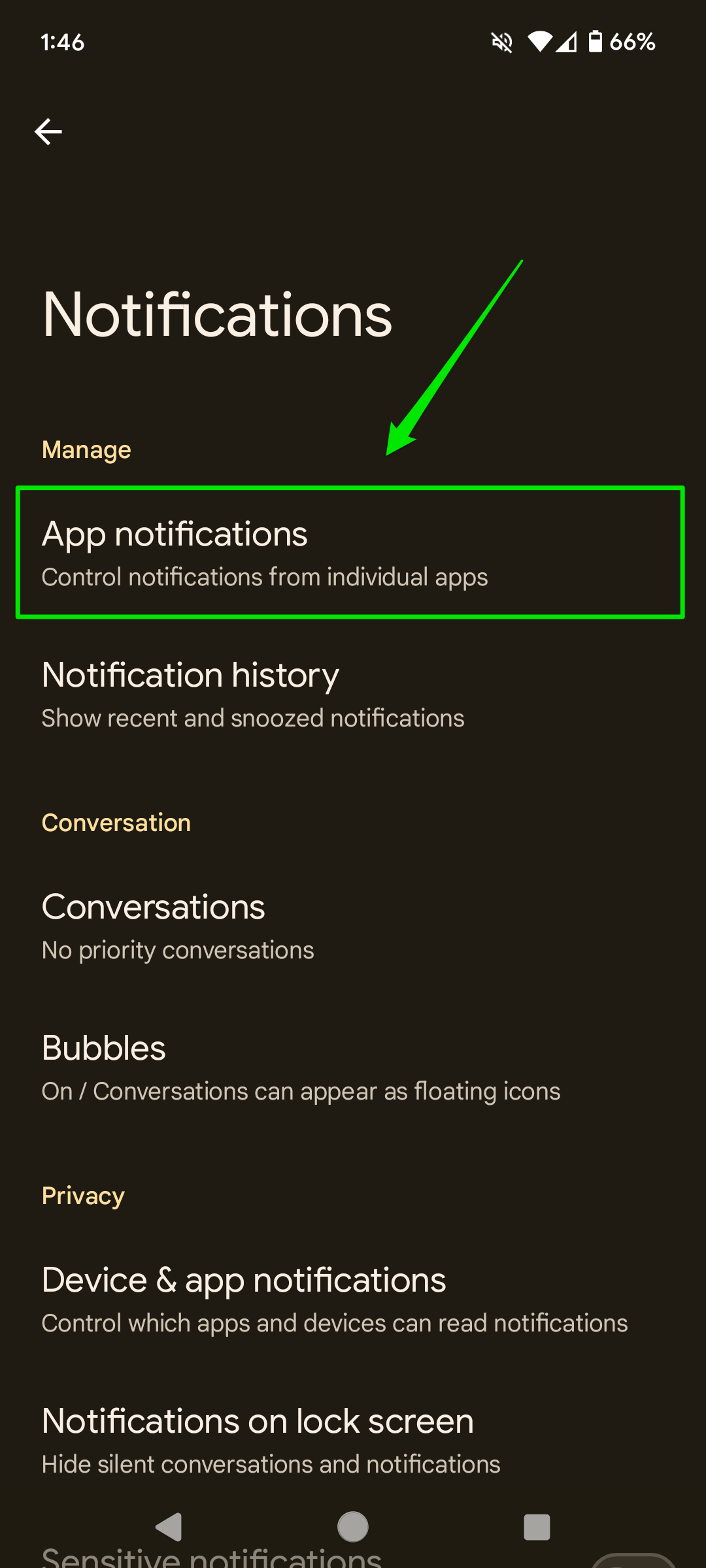
Open Settings.
Scroll down and select Apps.
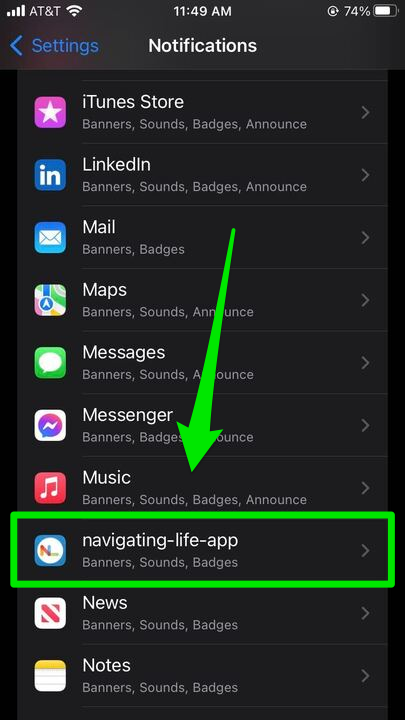
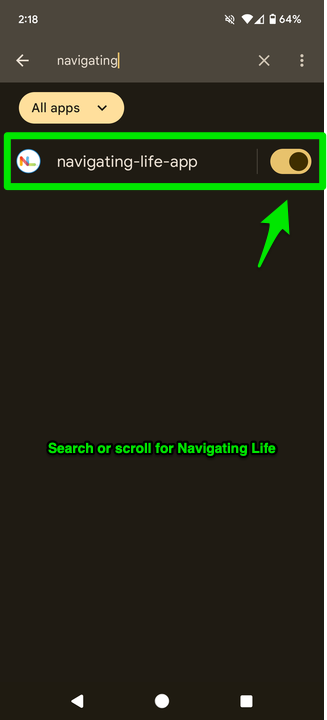
Find and tap Navigating Life.
Tap Permissions
Choose Allow only while using the app.
Reaching out to Support
If you find yourself needing further assistance or have any questions along the way, our dedicated support team is always here to help. Don’t hesitate to reach out to us for guidance or support by emailing us at [email protected]. We’re just a message away and happy to assist with the app!
Passwords need to be reset on the first time login.
You can reset your password directly in the browser here or on the login screen you can click “Forgot Password.” Both options will prompt you for your account’s email and send you a reset email. If you don’t see the email in your inbox within a few minutes, please check your spam folder, as password reset emails can sometimes be flagged as spam.
Emails are sent from [email protected] so if you continue to have trouble we recommend adding that address to your trusted email contacts.



 Navigating Life